
Mystery cabling
Nobody knows where half the cables go, labels are missing, and making changes feels unnecessarily risky.
Networks & Infrastructure
Hammer Brothers designs, installs, cleans up, and improves the physical and logical infrastructure businesses rely on every day—from structured cabling and Wi-Fi to firewalls, switching, and complete office buildouts.
Start with the friction
Growth, quick fixes, and undocumented changes add up. The first step is understanding what is actually there and what the business needs next.
Nobody knows where half the cables go, labels are missing, and making changes feels unnecessarily risky.
Coverage is inconsistent, roaming is unreliable, or wireless simply refuses to exist in part of the building.
Equipment and wiring accumulated without a clear design, documentation, or long-term structure.
Switches, firewalls, or access points are limiting performance or creating avoidable reliability and security issues.
The space needs cabling, switching, wireless, firewalling, and infrastructure ready before employees arrive.
Core capabilities
Physical installation and logical configuration should work as one supportable system—not a collection of unrelated boxes and cables.
Installed properly.
Labeled properly.
And ideally never described as “the blue cable behind the other blue cable.”
We prefer knowing why the network works.
Coverage should be designed, not discovered through employee complaints.
Your desks are moving.
Your technical problems do not need to follow them.
Project outputs
Every project is different. Depending on scope, a network engagement may include:
How we work
Understand the environment and requirements.
Create a practical plan.
Install and configure it correctly.
Verify connectivity, coverage, and operation.
Leave it easier to support than we found it.
Documentation is cheaper than archaeology.
From the field
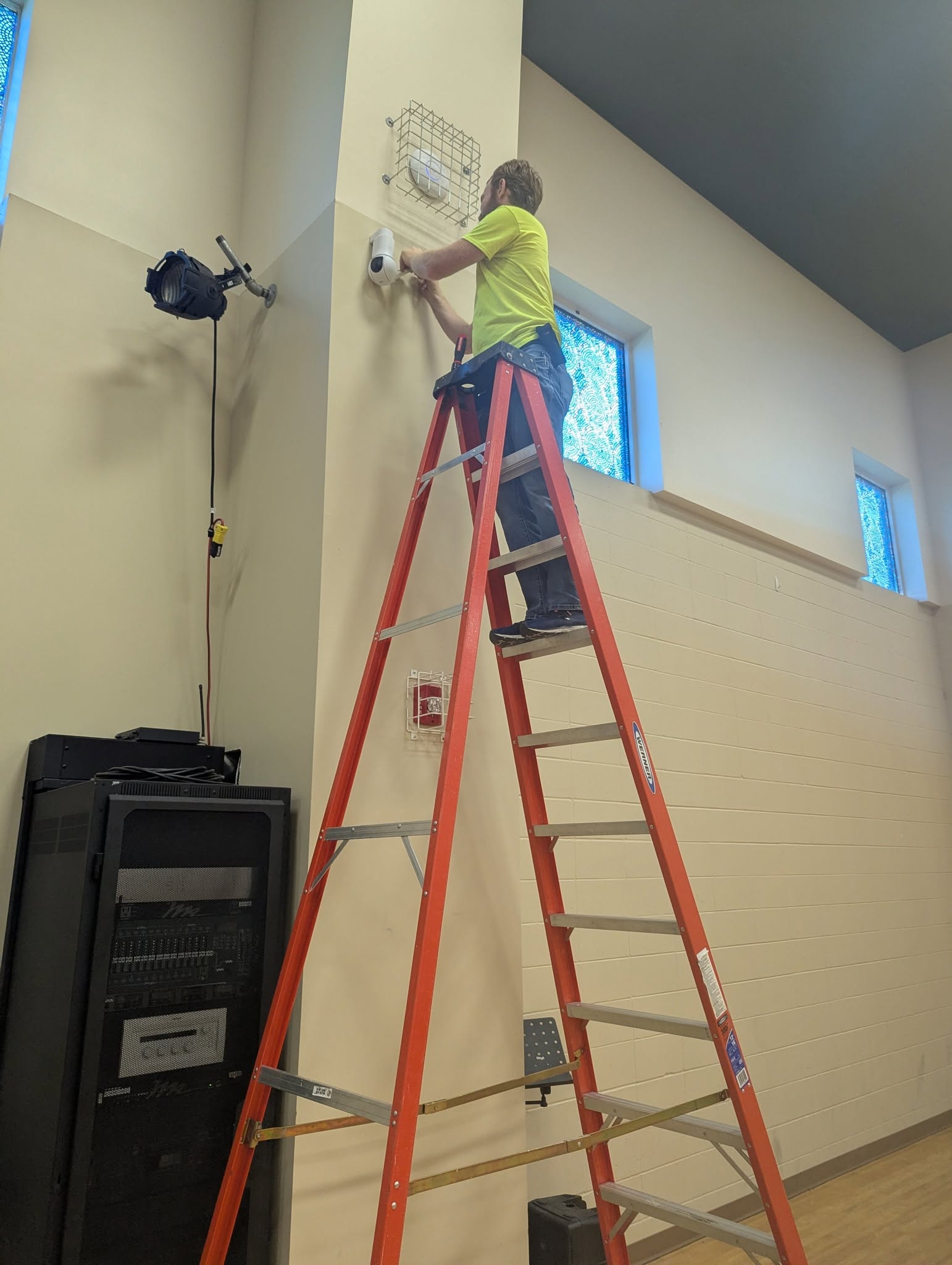
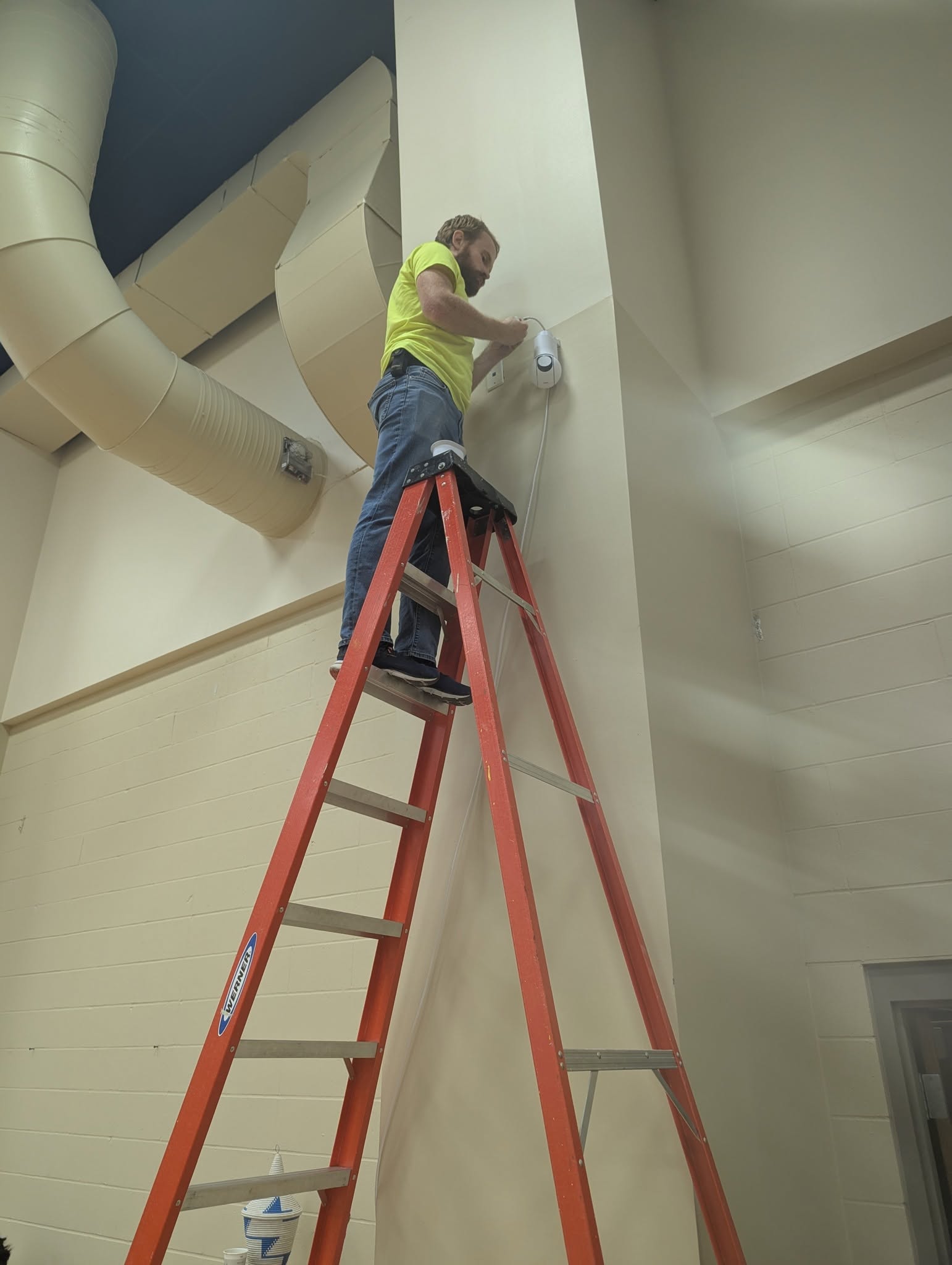
Approved public Hammer Brothers installation photography. Client, site, date, and project details are intentionally withheld.
Proof, when it is publishable
Development placeholder
No approved network project details are published yet. Add a reviewed Workbench entry in the Networks or Infrastructure category to replace this notice automatically.
Common questions
Yes. Projects can start with a blank space, an existing environment that needs improvement, or something in between.
Yes. Cabling work can include installation, termination, testing, patch panels, labeling, cleanup, and appropriate documentation.
Yes. We can assess coverage and configuration, troubleshoot problem areas, and recommend or deploy a more supportable design.
Yes. Practical work includes deployment, replacement, secure configuration, site-to-site or remote-access VPNs, segmentation, and troubleshooting.
Yes. Scope may include planning, cabling, racks, switching, Wi-Fi, firewalling, vendor coordination, readiness checks, and post-move troubleshooting.
Ready when you are
Tell us what you’re building, replacing, expanding, or trying to fix. We’ll help determine the practical next step.